This lesson covers using templates to draft a new document or policy in a fraction of the time it would take from scratch.
What you'll cover:
What templates are. Pre-written starting points for the most common documents and policies, including the standard psychosocial set (Workplace Behaviour, Anti-Bullying and Harassment, Remote and Isolated Work, Workplace Surveillance, and Whistleblower Protection) plus a long tail of supporting documents.
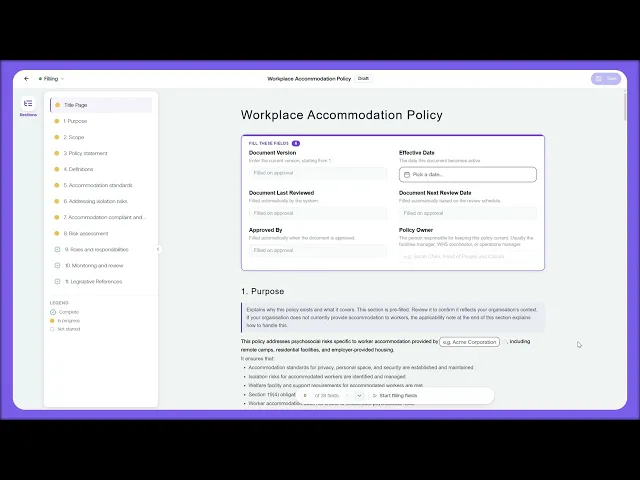
Applying a template to a record. Opening a record, choosing a template from the picker, previewing what's inside, and clicking Apply to populate the record, with the text yours to edit and the control and framework links inherited automatically.
Saving a custom template. Saving a draft you'll reuse as your own template, so the next similar record starts from your version rather than the ReFresh default.
Key takeaways:
Templates give you a vetted starting point for the standard psychosocial documents, so you're editing rather than writing from a blank page.
Because each template already knows which controls and frameworks it satisfies, the record inherits those links automatically and you don't wire them up by hand.
Custom templates are how you scale a policy approach across multiple sites or business units without rewriting it each time.

