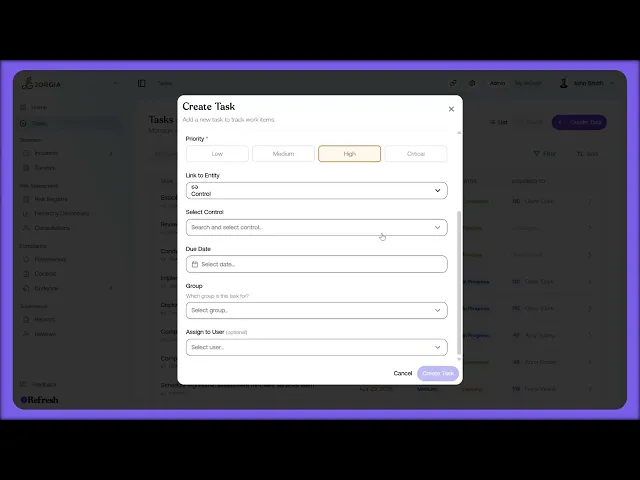
This lesson covers task management: how to view, filter, and create the tasks that track every action in your safety programme, including linking a task to an entity so it connects to the right risk, control, or incident.
What you'll cover:
My Tasks vs All Tasks. The two views at the top: everything assigned to you, or everything in your scope.
List vs Board, filtering and sorting. Toggling between list and board views, filtering by status, priority, or entity type (with the option to include closed tasks), and sorting by name, due date, priority, or status.
Creating a task. Setting the title and description, priority (Low through Critical), and hierarchy level (Eliminate, Substitute, Engineering, Administrative, or Personal).
Linking and assigning. Using Link to Entity to tie the task to a specific incident, risk, or control, then setting the due date, group, and assignee.
Key takeaways:
Tasks are how every action in your safety programme gets tracked and stays accountable.
Link to Entity is what connects a task back to the specific risk, control, or incident it addresses, so work doesn't sit in isolation.
The hierarchy level records which level of the hierarchy of controls each action sits at, tying the task to how it actually reduces risk.

