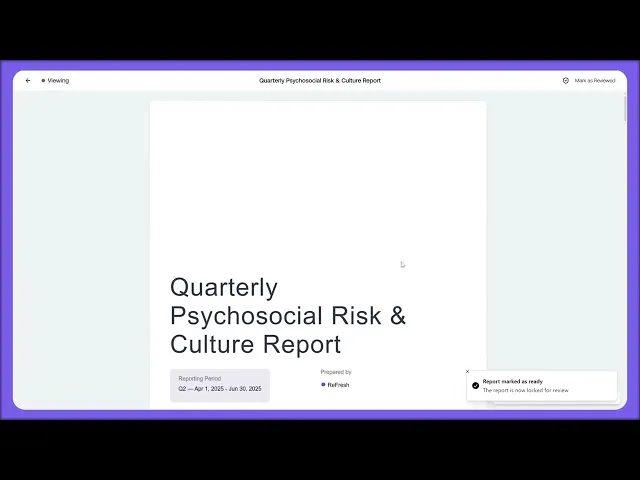
This lesson shows you how to generate reports for stakeholders and export them in the format you need.
What you'll cover:
The Reports page. Found under Governance in the sidebar. Two tabs: My Reports (what you've generated) and Templates. Recent Reports show as visual cards along the top, with the full list below showing name, type, period, generation date, and status.
Creating a new report. Click New Report top-right. Pick a template or build a custom report.
Setting the parameters. Period (from a single month to a full year), Scope (filtering by group or hazard category), and Sections (choosing what's actually in the report: survey results, incidents, controls, evidence, consultations).
Export options. Open any generated report to access the export options. PDF for sharing externally, CSV for raw data, and a direct link for stakeholders inside the platform.
Draft versus Final status. Drafts stay editable. Once you publish a report it moves to Final and locks for the record.
Key takeaways:
Reports pull together everything from your surveys, risks, controls, evidence, and consultations into a single document
Scope and Sections give you control over what each report contains and who it's for
Final reports lock for the record, so they're the version you'd hand to a regulator or board

