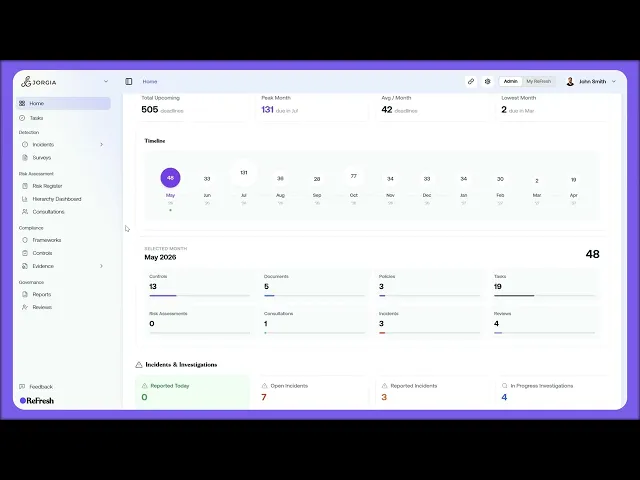
This lesson is a tour of Home, the page ReFresh uses to surface what needs your attention each day. Read it top to bottom and you've seen everything outstanding.
What you'll cover:
Home as the notification surface. Why there's no notification bell. Home is where everything outstanding surfaces, so reading it top to bottom covers your day.
Scope and tabs. The Viewing banner for filtering the whole dashboard to a region, location, or group, the saved-configuration tabs (Home, Psychosocial, and Add), and the time range dropdown that controls everything below.
Safety Programme and next controls. The five-step programme banner with your current step highlighted, and the five ranked Next controls to address rows you can click straight into.
Hotspots. Auto-flagged groups where metrics fall below target, each card showing the group, open incident count, and how recently it was flagged.
My Tasks and Safety Indicators. Overdue, Due Today, and This Week counters with upcoming tasks, plus Safety Indicators split into Lag (outcome metrics like Open Incidents and TRIFR) and Lead (predictors like Hazards Reported and Engagement Score), each tile carrying a trend and an On Target, Watch, or Off Target status.
Compliance Updates. A live feed of legislation, enforcement actions, and news affecting your active frameworks.
Key takeaways:
Home is the notification surface. There's no bell, so reading the page top to bottom is how you see everything outstanding for the day.
Set the Viewing banner once at the start of your shift and the whole dashboard filters to your scope.
Hotspots are flagged for you automatically, so you don't have to go hunting for groups that have fallen below target.

