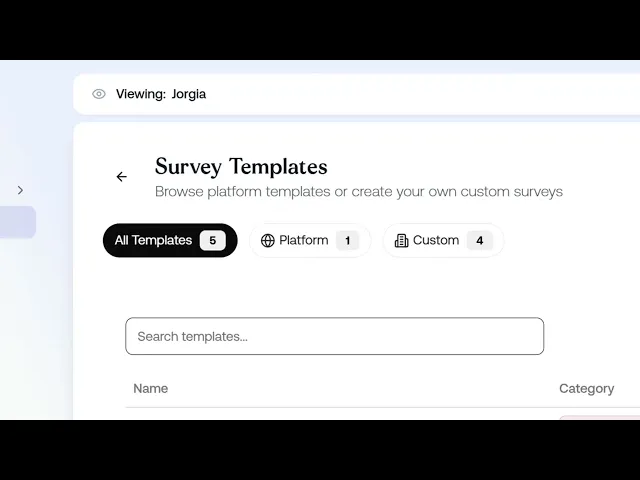
This lesson covers how to build a custom survey template for your organisation and use it to create a survey ready to send.
What you'll cover:
Platform vs custom templates. Where to find them under View Templates, and the difference between templates built by ReFresh and ones your organisation builds.
Creating a template. Filling in the required details: template name, short name, survey type (which filters the available questions), tags for grouping, and a description.
Adding questions. Opening the Question Library, where each question is tagged to a hazard like job demands or low job control, and searching or filtering to add the ones you want.
Creating the survey. Saving your template as a draft, then using it to create a survey with its own name and description.
Key takeaways:
Every survey starts from a template, and a custom template lets you control exactly which questions and hazards your survey covers.
Survey Type filters which questions are available, so set it before browsing the library.
Once your survey is created, it moves through four steps: Recipients, Send, Respond, Analyse.
IN THIS COURSE
3
.
E5. How psychosocial surveys work
3
min
3
.
E6. Choosing the right survey template and designing your first assessment
3
min
1
.
E7. Distribution strategy
1
min
1
.
E8. Reading your risk profile
1
min
1
.
E9. Drilling into hazard categories
1
min
1
.
E10. Protective factors
1
min
1
.
E11. The cost impact model
1
min
1
.
E12. Survey trends
1
min

