This lesson covers how to add recipients to your survey and send it.
What you'll cover:
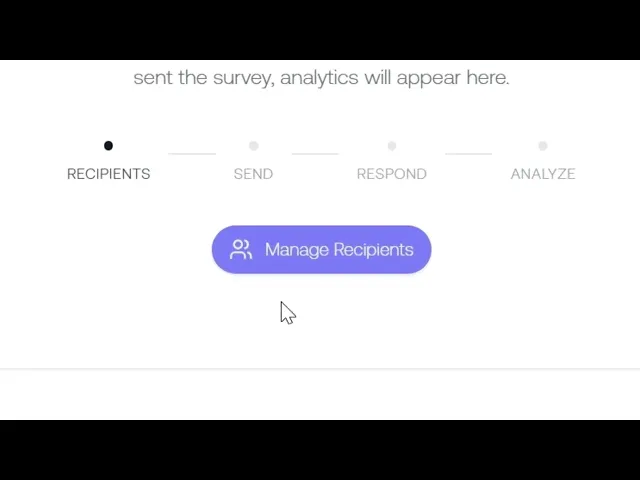
Manage Recipients. Opening the recipients dialog from the survey detail page.
Adding individuals. Searching by name to add specific people.
Adding groups. Selecting a group to add everyone in it at once, like Australia or a specific team.
The removal warning. If a recipient has already responded, removing them keeps their response. If they haven't, removing them invalidates their survey link.
Send options. Choosing between sending to all recipients or only people who haven't received it yet.
Key takeaways:
You can add recipients individually, by group, or both
Removing recipients who haven't responded invalidates their link
Use "All Recipients" for your first send and the targeted option for follow-ups
IN THIS COURSE
3
.
E5. How psychosocial surveys work
3
min
3
.
E6. Choosing the right survey template and designing your first assessment
3
min
1
.
E7. Distribution strategy
1
min
1
.
E8. Reading your risk profile
1
min
1
.
E9. Drilling into hazard categories
1
min
1
.
E10. Protective factors
1
min
1
.
E11. The cost impact model
1
min
1
.
E12. Survey trends
1
min

